01Terms of Service
These terms govern your use of 3D Channel Letters (the “Software”), a desktop application for macOS and Windows that generates 3D-printable STL files from DXF vector input for the production of illuminated channel letters. By downloading, installing, or using the Software, you agree to these terms.
Provider
The Software is developed and provided by Miloš Kráľ, an individual sole developer based in the Slovak Republic, European Union.
What the Software does
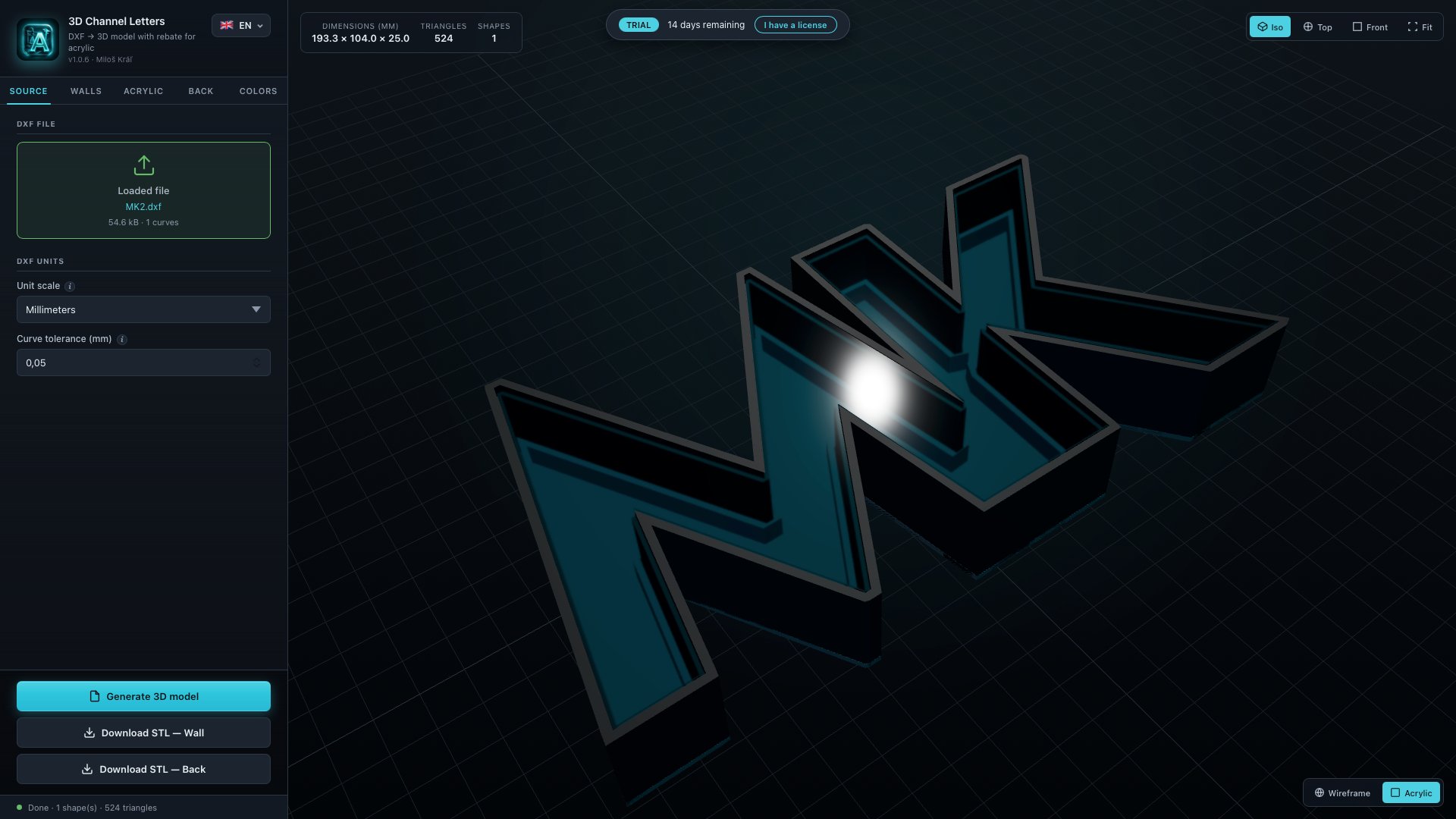
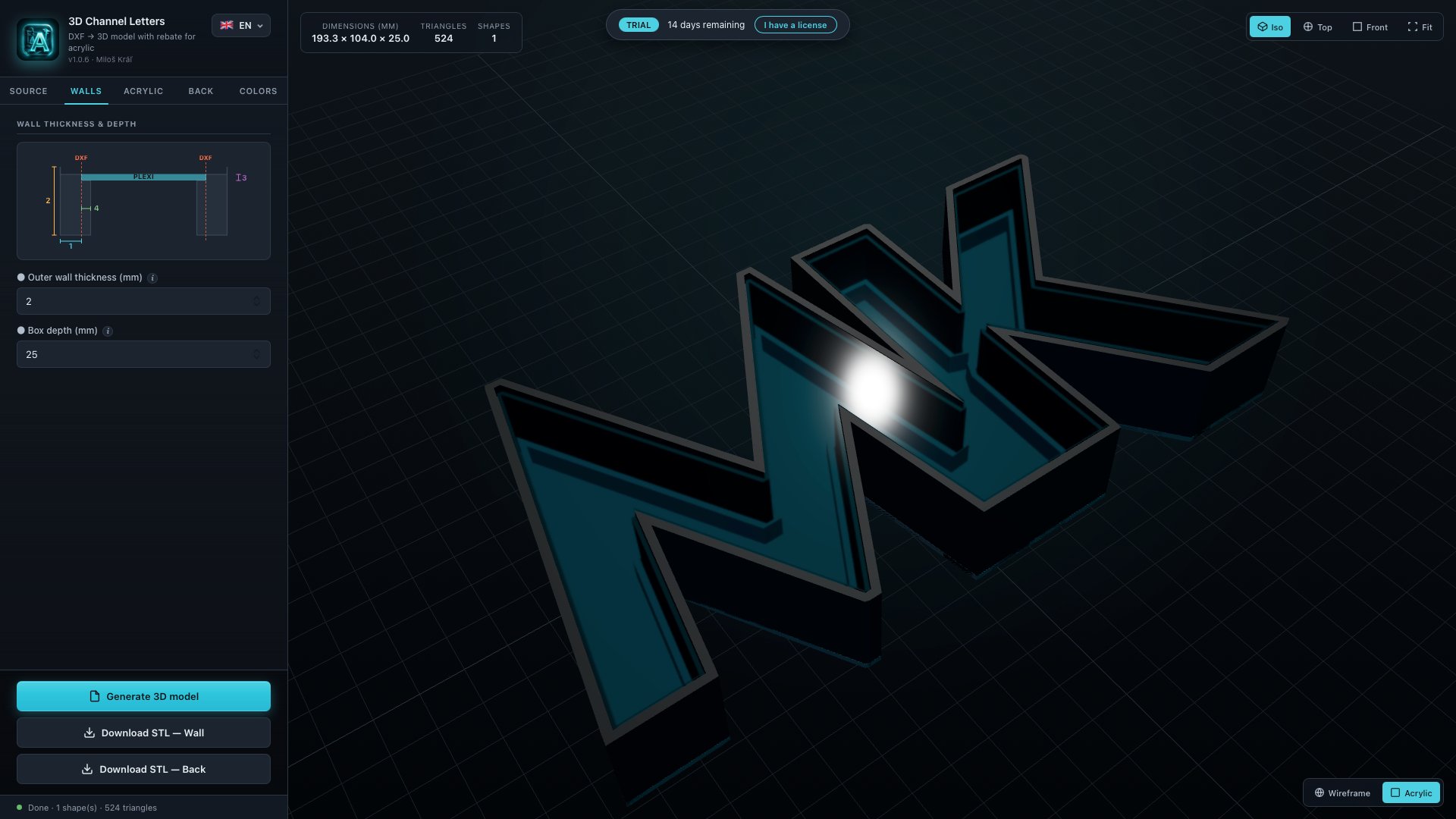
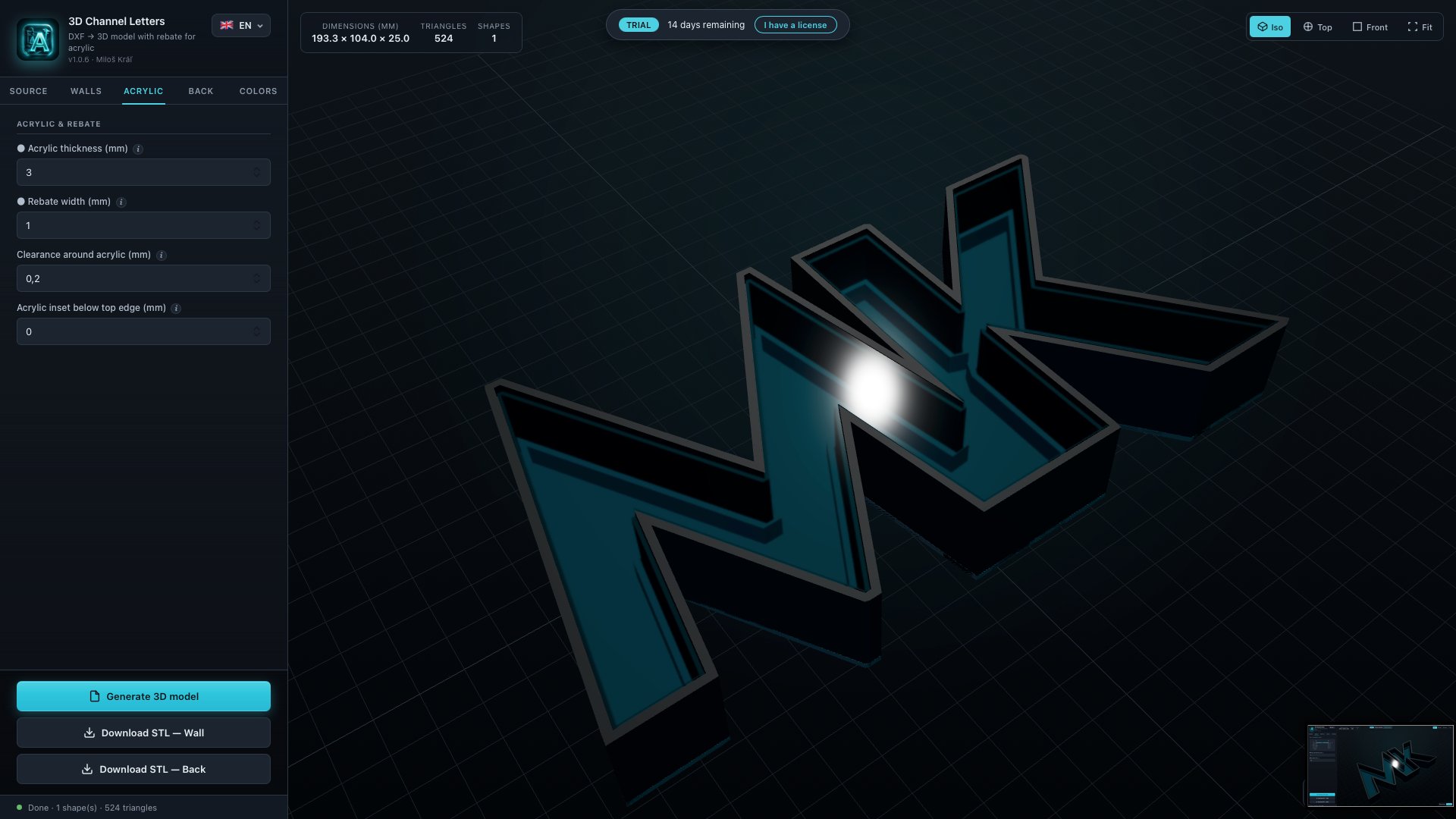
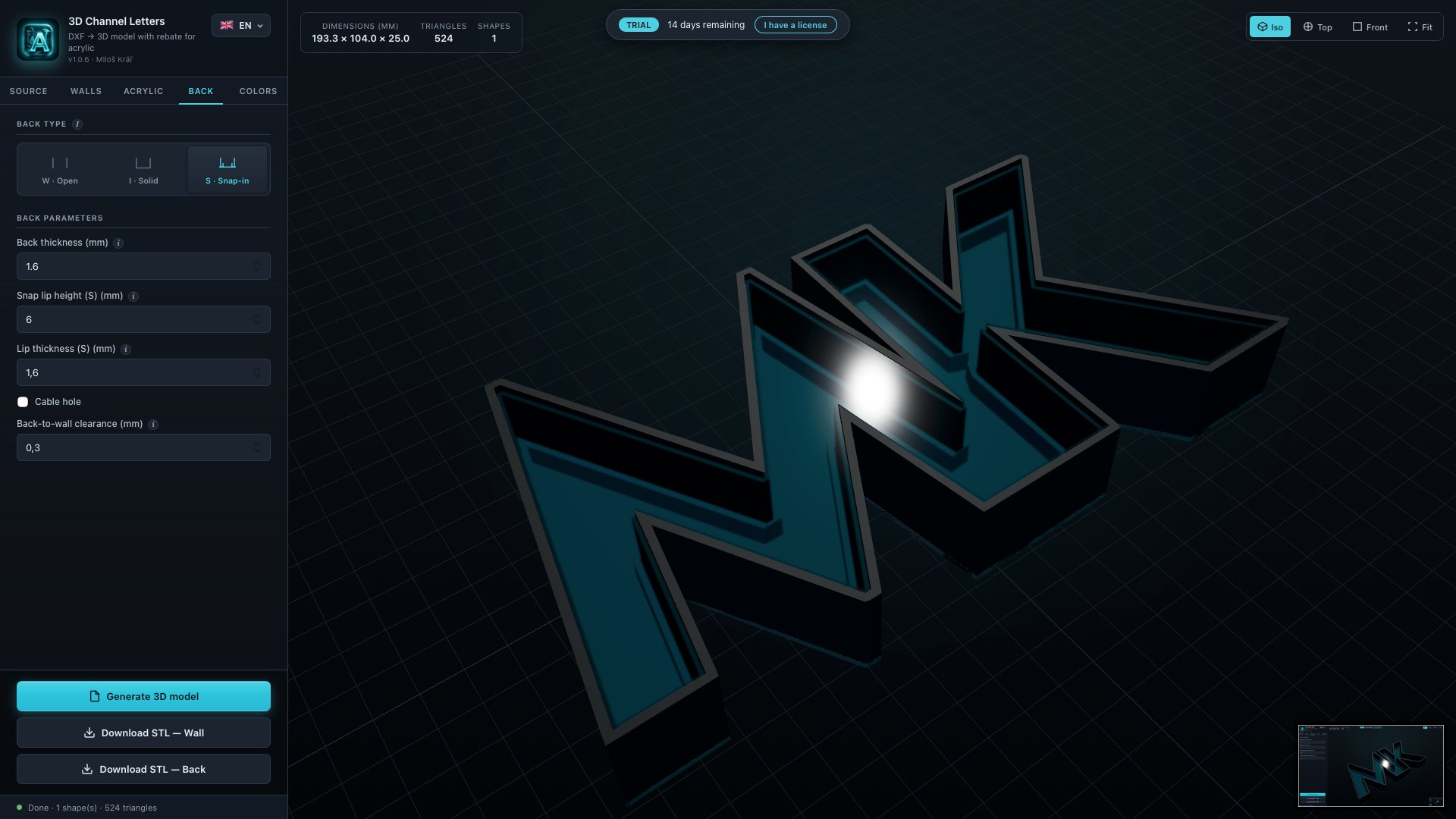
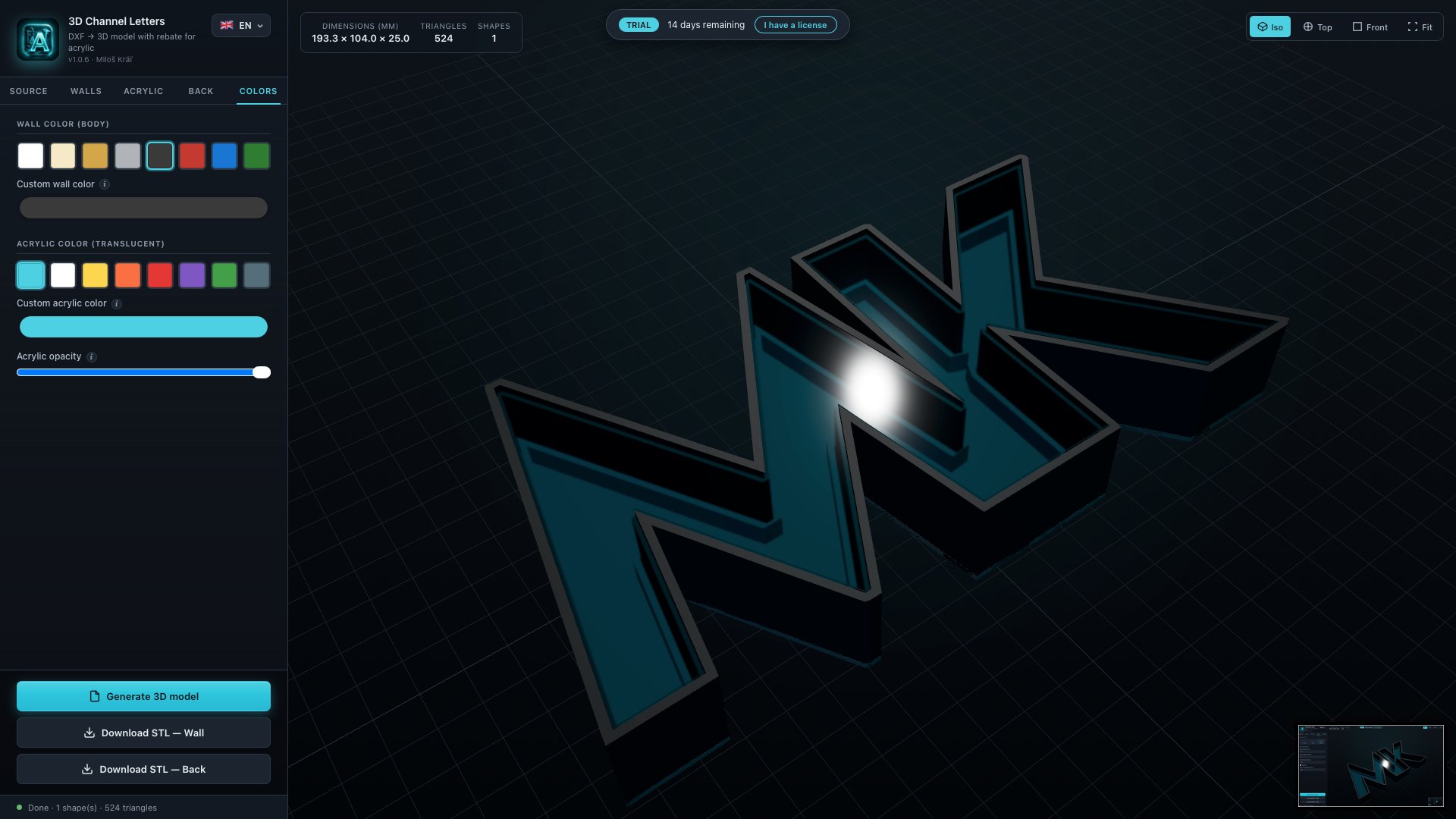
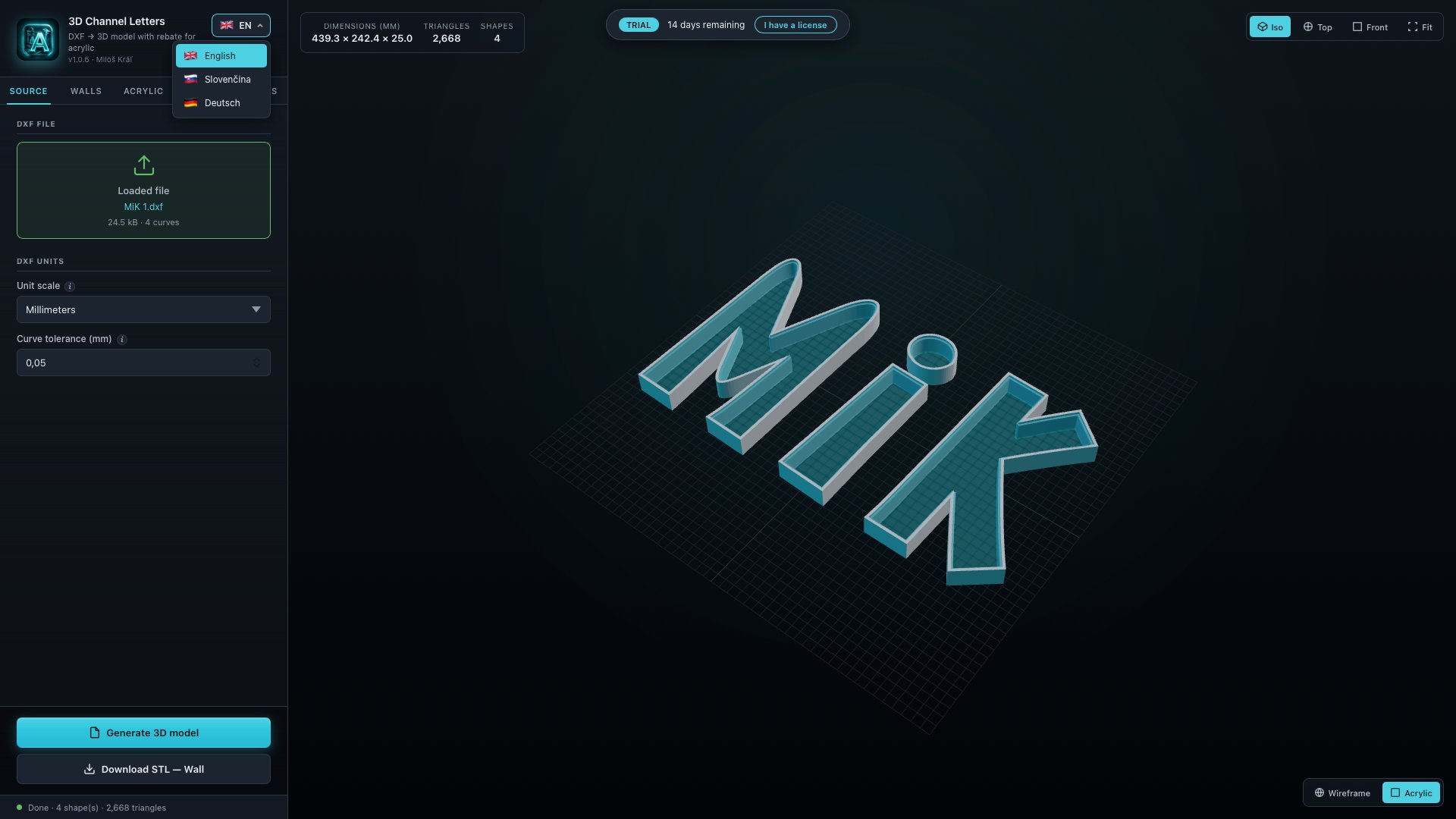
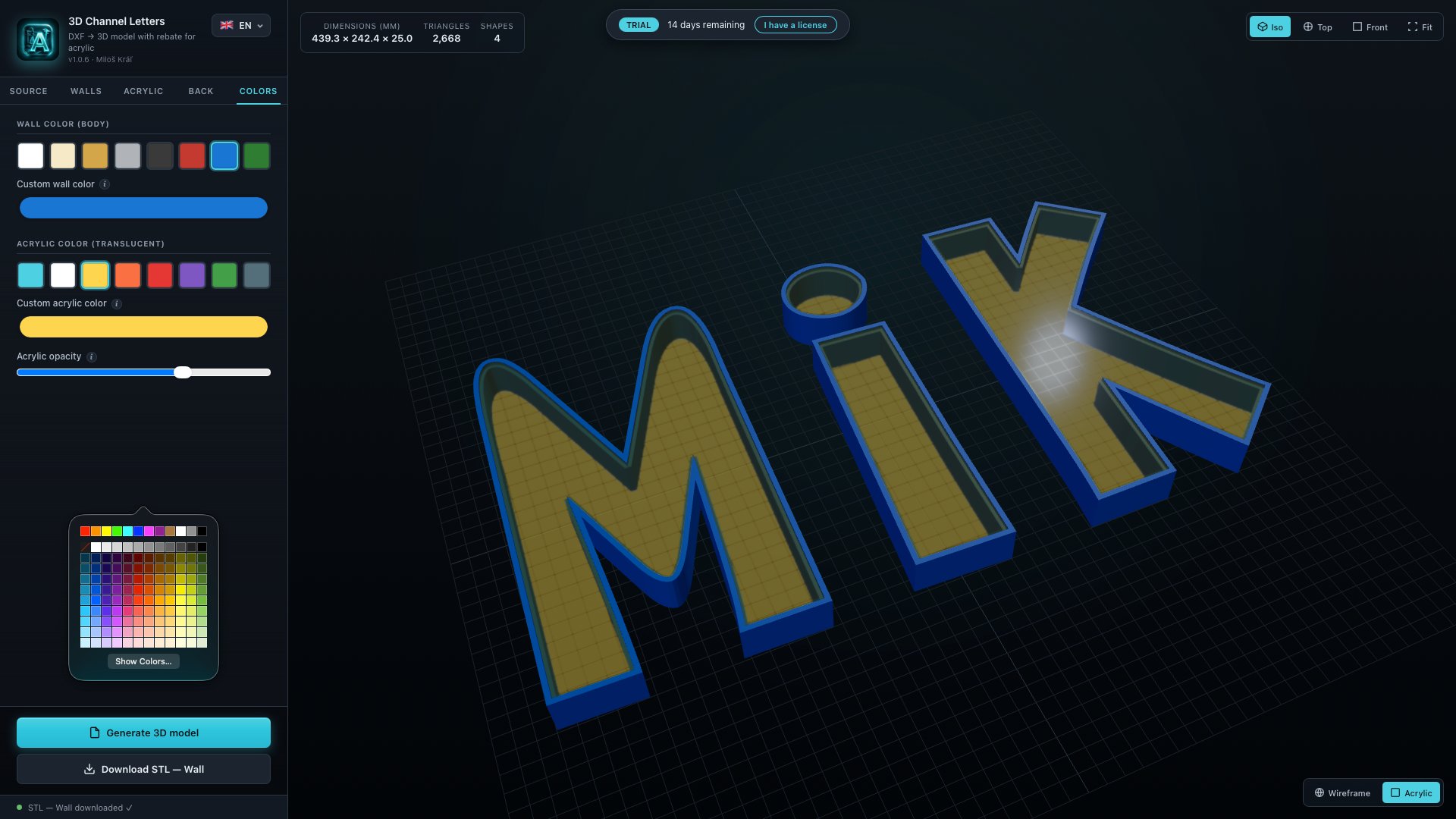
The Software imports a DXF vector file, generates a 3D model of an illuminated channel letter according to the parameters you set (wall thickness, box depth, acrylic rebate or solid front, back type, colours) and exports STL files — Wall, Back (optional) and STL per object — that are ready to slice and print on a standard FDM 3D printer.
Subscription & trial
The Software is offered as a paid monthly subscription at €5 / month. A 14-day free trial is included with full functionality except STL export. STL export requires a valid license key issued after payment.
Manual payment & activation
Payment is processed manually via PayPal (@miloskral1) or Revolut (@milosl11f). After your payment is received and your Mac Hardware ID is verified, a personal license key is issued by email to the address you used to contact me, typically within 24 hours. The license key unlocks STL export on the specific machine identified by the Hardware ID you provided.
Renewals & cancellation
No auto-renewal. There is no recurring charge and no stored payment method. Each monthly period requires a new manual €5 payment. To stop the subscription, simply don’t send the next payment — no cancellation form, no email required.
Acceptable use
You may use the Software for personal or commercial work, including producing STL files for client projects and selling the printed letters. You may not:
- Redistribute, resell, or sublicense the Software itself
- Share, publish, or transfer your license key to another person or machine
- Reverse-engineer, decompile, or attempt to bypass the licensing mechanism
- Use the Software to produce content that is illegal in your jurisdiction
Ownership of STL output
All STL files generated by the Software belong to you. You may use, print, sell, and distribute the resulting letters and signage without any royalty, attribution, or further permission from the developer.
Warranty & liability
The Software is provided “as is”, without warranty of any kind, express or implied. The 14-day free trial gives you full opportunity to test the Software against your own DXF files and printing setup before paying. You are responsible for verifying STL output before printing or production. Paid subscriptions are non-refundable (see Trial & No-Refund Policy). To the maximum extent permitted by law, the developer is not liable for material costs, printer wear, lost production time, lost client work, or any indirect, incidental, or consequential damages arising from the use of the Software. Total liability under any claim is limited to the amount you paid for the Software in the preceding twelve months.
Changes to these terms
These terms may be updated to reflect changes to the Software, pricing, or applicable law. The current version is always published on this page with the “Last updated” date shown above. Material changes will also be communicated by email to active subscribers. Continued use of the Software after a change takes effect means you accept the revised terms.
Governing law & jurisdiction
These terms are governed by the laws of the Slovak Republic. Any disputes arising from or related to the Software will be resolved by the competent courts of the Slovak Republic, without prejudice to mandatory consumer protection rights you may have under the law of your country of residence within the European Union.
02Trial & No-Refund Policy
The 14-day free trial is the money-back guarantee. Once you choose to subscribe, the payment is final.
How it works
Try before you pay. The Software runs with full functionality for 14 days at no cost. The only thing the trial cannot do is export STL files. Every other feature — DXF import, 3D preview, all wall, acrylic and back-cover settings, all colour options — works exactly the same as in the paid version. Spend those 14 days deciding whether the Software fits your workflow.
Why there are no refunds after payment
The free trial gives you everything you need to evaluate the Software before you send any money. If it doesn’t suit you, simply don’t pay and the trial expires on its own — nothing more is required from you and nothing is owed.
If you do choose to send the €5 payment and request your license key, you are confirming that you have tried the Software and are satisfied with how it works. For this reason, paid subscriptions are non-refundable. This applies to every monthly period, including the first one.
The Software is provided “as is”
While every effort is made to produce accurate, print-ready geometry, the Software is provided “as is” without warranty of any kind. You are responsible for verifying every STL output before printing or production. The developer does not guarantee that the Software will be free of bugs, errors, or limitations in every possible DXF input or print configuration. No refunds are issued for software bugs, missing features, geometry that doesn’t suit a particular use case, or any other reason of dissatisfaction after payment.
EU consumer right of withdrawal — important
If you are a consumer resident in the European Union, you would normally have a 14-day right of withdrawal under Directive 2011/83/EU for digital services. However, that right does not apply if you have:
- Given your express prior consent for the digital service to begin being supplied immediately, and
- Acknowledged that, by doing so, you lose the right of withdrawal once performance has begun.
By sending payment and requesting your license key, you expressly consent to immediate delivery of the digital service (the license key + paid-tier features) and acknowledge that you thereby lose the EU statutory 14-day right of withdrawal under Art. 16(m) of Directive 2011/83/EU. The 14-day free trial preceding payment is provided precisely so that you can evaluate the Software before making this commitment.
How to stop paying
Subscriptions are paid one month at a time and there is no auto-renewal. If you decide the Software is no longer worth €5 / month — for any reason — simply don’t send the next payment. Your access to STL export will lapse at the end of the current paid period. No notice, no cancellation form, no email required.
Narrow exceptions
The no-refund rule has two narrow exceptions, handled in good faith on a case-by-case basis:
- Duplicate or accidental payments — if you accidentally pay twice for the same month, the duplicate amount is refunded in full within 5 business days.
- License never delivered — if more than 7 days pass after your payment without a license key being delivered to you (and you have provided a valid Hardware ID), you are entitled to a full refund of that month’s payment.
To raise either of these, email kralmilos@gmail.com with the payment details and any supporting screenshots.
03License Terms
What the license grants, what it doesn’t, and how the offline activation works.
Grant of license
Subject to your active subscription, you are granted a non-exclusive, non-transferable, revocable license to install and use the Software for personal or commercial purposes on the single Mac whose Hardware ID was used to generate your license key.
One license = one machine
The license key is cryptographically bound to your
Mac Hardware ID and will not unlock STL export on any other computer. If you change machines, contact
kralmilos@gmail.com with your new Hardware ID and proof of your previous license — a replacement key will be issued free of charge for the remainder of your subscription period.
Offline activation
Your license key is stored locally on your machine. The Software:
- Does not require an account, login, or registration
- Does not “phone home” or contact any licensing server
- Works fully offline, including on air-gapped production computers
- Does not transmit your Hardware ID, license key, or any other data anywhere once activated
Restrictions
You may not:
- Share, publish, sell, lease, or sublicense the license key
- Use the same license key on multiple machines simultaneously
- Modify, reverse-engineer, decompile, or disassemble the Software
- Remove or alter any copyright, trademark, or licensing notices
Termination
The license terminates automatically if you breach these terms. On termination you must stop using the Software and delete it from your machine. The developer reserves the right to revoke any license key found to have been shared, leaked, or fraudulently obtained.
Updates
Software updates released during your active subscription are included at no extra cost. Major new versions may, at the developer’s discretion, require a separate purchase — this will always be announced in advance to active subscribers.
App signing & integrity
The macOS build is Apple-signed and notarized. Always download the Software from www.lumisign3d.com — versions distributed elsewhere are unauthorized and may be tampered with.
LumiSign NEON web app
An active subscription also covers the LumiSign NEON web application for generating 3D-printable channels for LED neon strips. The same license terms and restrictions apply.
04Privacy Policy
The shortest privacy policy you’ll read this year, because almost nothing is collected.
What the Software collects
Nothing. The desktop Software does not collect, transmit, or store any personal data, telemetry, usage analytics, or crash reports. It runs entirely on your machine and does not make any network requests.
What this website collects
This website (www.lumisign3d.com) is a static page. It does not use cookies, analytics scripts, tracking pixels, or third-party advertising networks. Standard server access logs (IP address, user-agent, page requested, timestamp) may be kept by the hosting provider for a short period for security and abuse prevention purposes — these are not used for tracking or profiling.
What I collect when you subscribe
When you request a license key, I receive and store the following, solely to fulfil the subscription:
- Your email address — to send your license key and respond to support requests
- Your Mac Hardware ID — to generate a license key bound to your machine
- Payment confirmation — a screenshot or note showing PayPal/Revolut payment
This information is stored in a private spreadsheet and email inbox. It is never shared, sold, or transferred to any third party, except where strictly required by law.
Payment data
Payments are processed by PayPal and Revolut as independent payment providers. I receive only the information they choose to display about the transaction (sender name, amount, transaction ID, message). I do not see or store your card number, bank account details, or any other financial credentials. Their respective privacy policies apply to the payment itself.
Your rights (GDPR)
If you are in the European Union, you have the right under the General Data Protection Regulation (GDPR) to:
- Request a copy of the personal data I hold about you
- Request correction of inaccurate data
- Request deletion of your data (right to be forgotten)
- Object to processing or request restriction
- Lodge a complaint with your national data protection authority — in Slovakia, that is the Úrad na ochranu osobných údajov SR
To exercise any of these rights, email kralmilos@gmail.com. Requests are answered within 30 days.
Data retention
License records (email, Hardware ID, payment confirmation) are kept for as long as your subscription is active, plus a period required for accounting and tax purposes under Slovak law (typically 10 years for invoicing records). After that, the data is deleted.
Changes to this policy
If this privacy policy changes, the “Last updated” date at the top of this section will reflect the new version, and active subscribers will be notified by email of any material changes.